
Notion or Airtable Workspace Setup: Project Tracker, CRM and Team Wiki
-
0 sales
- 0 views
- Save
5.00 /5.0
User review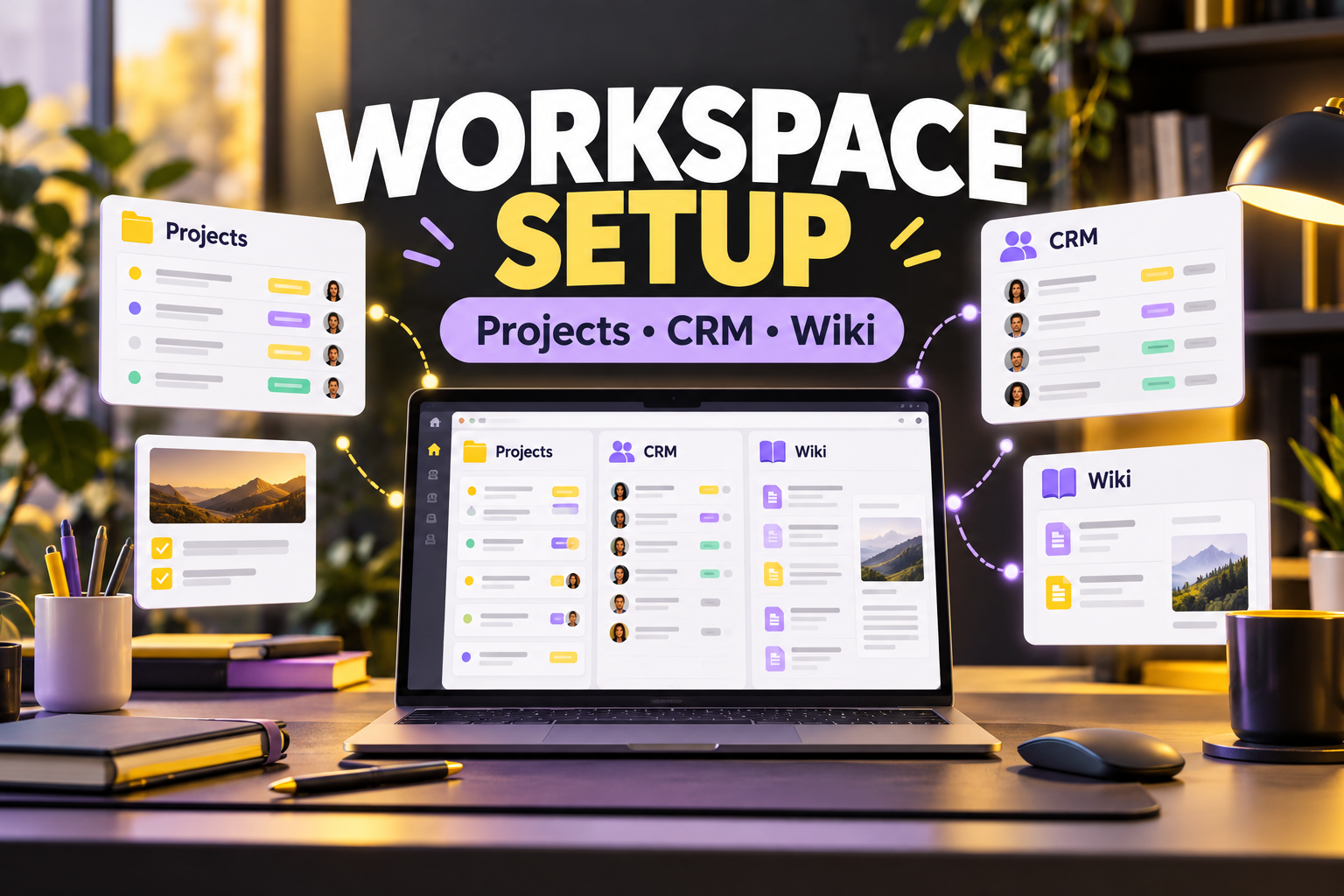
A workspace your team will use
I build a Notion or Airtable setup around how you work, so tasks, clients and notes are in one place.
What is included
- Project tracker, simple CRM or content calendar
- Databases, views and filters
- Templates and automation basics
- Team wiki or SOP pages
- Short walkthrough guide
How it works
Tell me how you work today and what you want to track. I build the workspace and share it with you.
Frequently asked questions
Notion or Airtable, which should I choose?
Tell me what you need. I recommend the better fit before building.
Do you migrate existing data?
Yes, light imports from spreadsheets are included. Large migrations should be discussed first.
Do I need a paid plan?
Often the free plan is enough. Some automations need a paid plan.
Will my team get training?
You get a written guide. Live training is not included.
5.0
(2 months ago)Sample review: Isabella Cole, Australia. Saved me hours every week. Clear updates along the way and nothing was missed.
5.0
(4 months ago)Sample review: Erin Kelly, United States. Saved me hours every week. Clear updates along the way and nothing was missed.
5.0
(5 months ago)Sample review: Noah Palmer, United States. Understood our goals quickly and delivered measurable improvements. Highly professional.
5.0
(5 months ago)Sample review: Lucas Morgan, United States. Saved me hours every week. Clear updates along the way and nothing was missed.
5.0
(6 months ago)Sample review: Grace Sullivan, Australia. Fair price for the quality. Good communication and delivered when promised.
5.0
(6 months ago)Sample review: Tyler Banks, United States. Fair price for the quality. Good communication and delivered when promised.