
Meta Pixel and Google Analytics 4 Tracking Setup for Ecommerce Stores
-
0 sales
- 2 views
- Save
4.67 /5.0
User review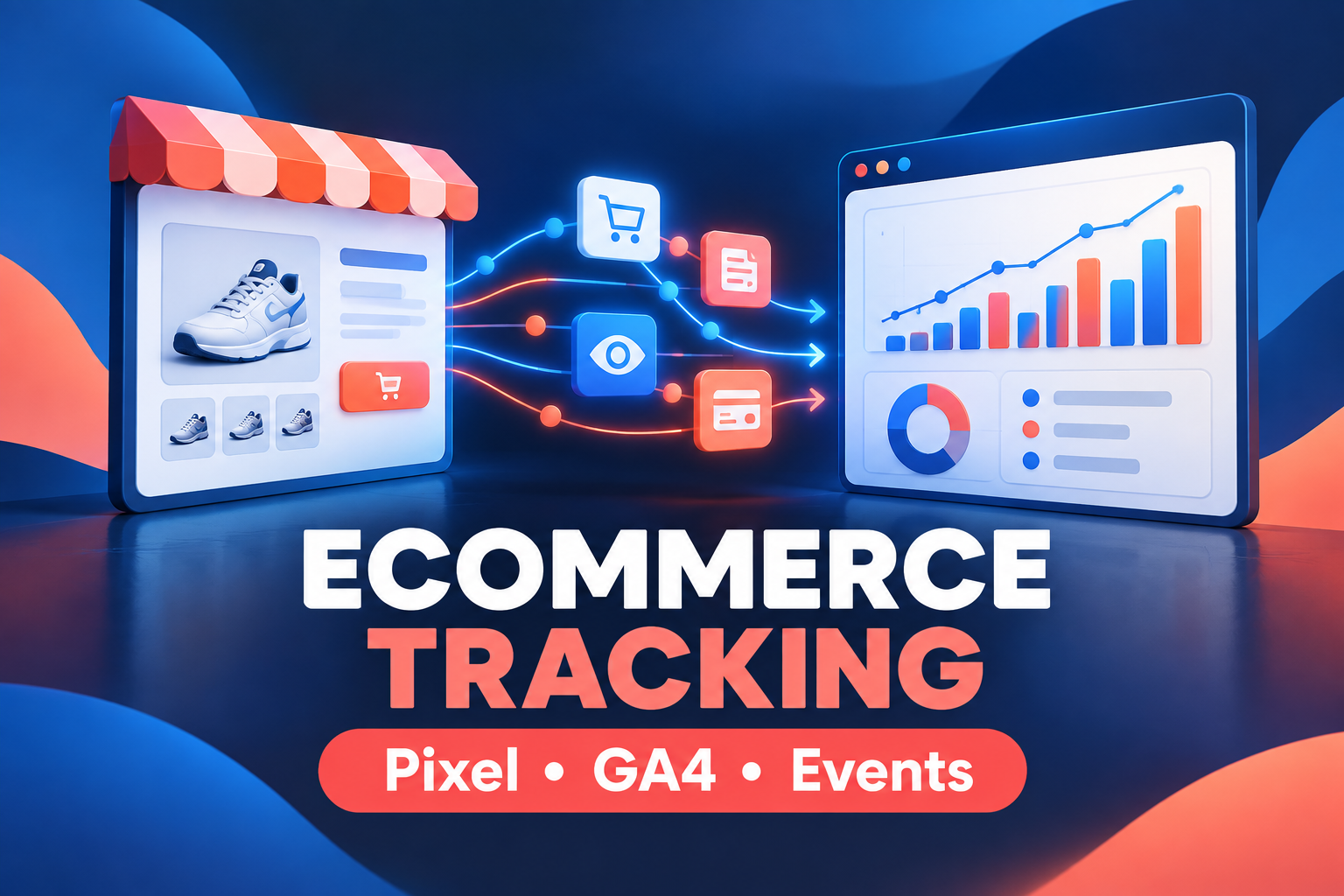

Track what matters so you can make better marketing decisions
I set up Google Analytics 4 and the Meta Pixel on your online store, with the key ecommerce events configured and tested, so you can see where sales come from and measure your ads properly.
What you get
- Google Analytics 4 property and data stream set up
- Meta Pixel installed, with Conversions API where supported
- Ecommerce events: view item, add to cart, begin checkout and purchase
- Google Tag Manager setup where needed
- Testing and verification, plus a short guide to reading your data
What I need from you
Admin or staff access to your store, and access to your Google Analytics, Tag Manager and Meta Business accounts. Works for stores selling in the US and UK.
Frequently asked questions
Will my tracking be accurate?
I test every event in the platform's debug tools before handover. Browser privacy settings and ad blockers can still reduce what any tracking sees, which I explain in the guide.
Do you handle cookie consent?
I can connect tracking to your existing consent banner. Legal compliance for your region is your responsibility, so please confirm requirements with a qualified advisor.
Which platforms do you support?
Shopify, WooCommerce, BigCommerce and most custom websites.
What access do you need?
A staff or admin role on your store and edit access to your Analytics, Tag Manager and Meta Business accounts. You remain the owner of every account.
5.0
(1 month ago)Sample review: Lily Armstrong, United States. Really dependable. I have since passed the details on to a colleague who needs similar help.
5.0
(4 months ago)Sample review: Dylan Hart, Canada. Really dependable. I have since passed the details on to a colleague who needs similar help.
4.0
(4 months ago)Sample review: Claire Dawson, United States. Really dependable. I have since passed the details on to a colleague who needs similar help.