
Calendar Management and Appointment Scheduling Setup: Calendly, Google Calendar and Reminders
-
0 sales
- 0 views
- Save
5.00 /5.0
User review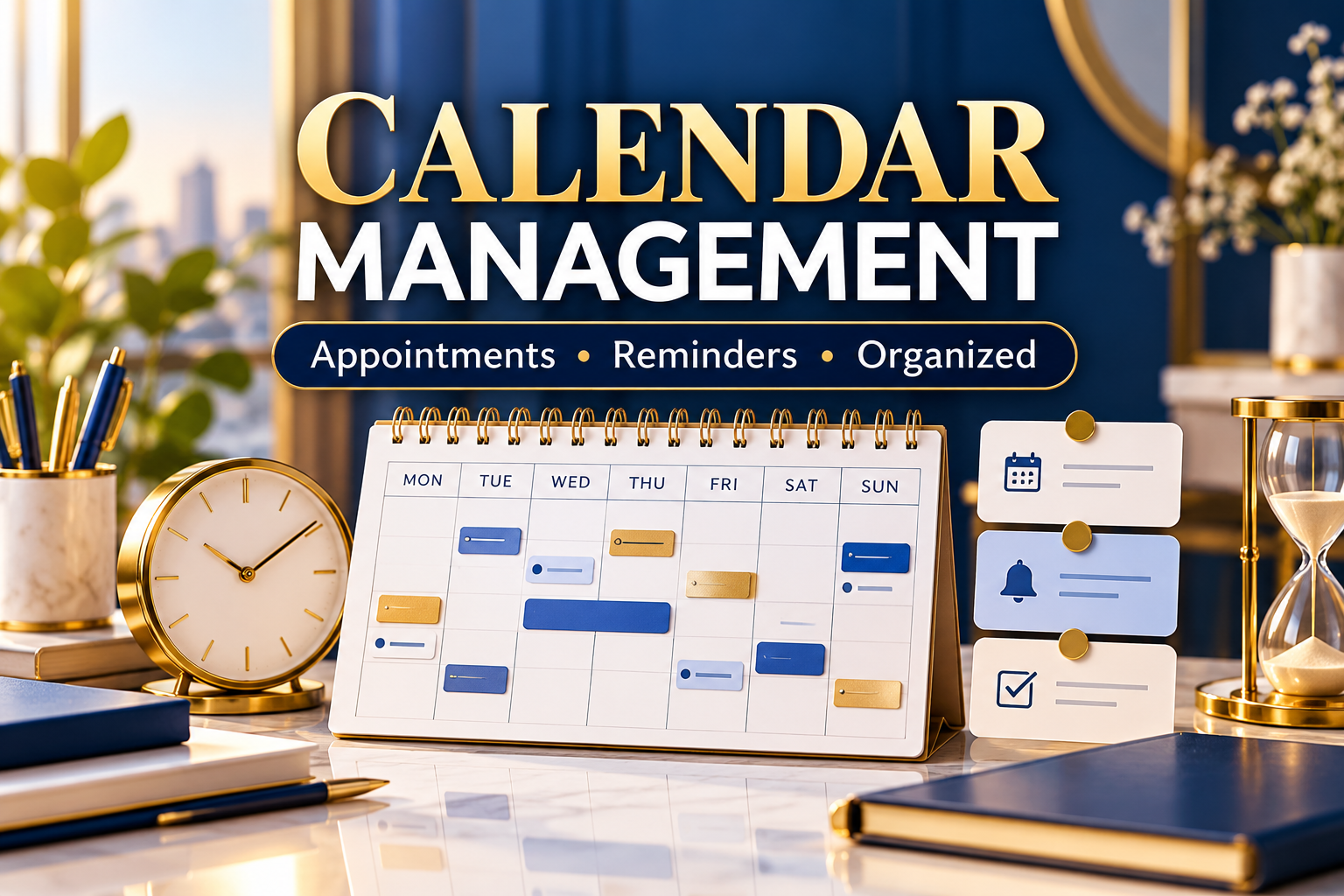

A calendar that runs smoothly
I set up your scheduling tools so clients can book you without long email chains.
What is included
- Calendly or Google Calendar booking page
- Availability rules, buffers and time zones
- Confirmation and reminder emails
- Calendar cleanup and color coding
- Short guide on how to use it
How it works
Tell me your meeting types and availability. I configure everything and send you a quick guide.
Frequently asked questions
Do I need a paid Calendly plan?
Many setups work on the free plan. I will tell you if a feature needs a paid plan.
Will you manage my calendar every day?
This service covers setup. Ongoing management can be discussed through message.
How do you access my calendar?
By inviting me with the access level you choose. I do not need your password.
Can you handle different time zones?
Yes, including US and UK time zones.
5.0
(1 month ago)Sample review: Sam Whitaker, Canada. Well organised, proactive and thorough. The deliverable was easy to put straight into use.
5.0
(4 months ago)Sample review: Ethan Walker, Australia. Understood our goals quickly and delivered measurable improvements. Highly professional.
5.0
(4 months ago)Sample review: Sophie Turner, United States. Well organised, proactive and thorough. The deliverable was easy to put straight into use.
5.0
(4 months ago)Sample review: Hannah Collins, United Kingdom. Really dependable. I have since passed the details on to a colleague who needs similar help.
5.0
(5 months ago)Sample review: Tessa Quinn, United States. Understood our goals quickly and delivered measurable improvements. Highly professional.