
AI Email Assistant Setup for Gmail or Outlook: Draft Replies, Summaries and Templates
-
0 sales
- 50 views
- Save
0 /5.0
User review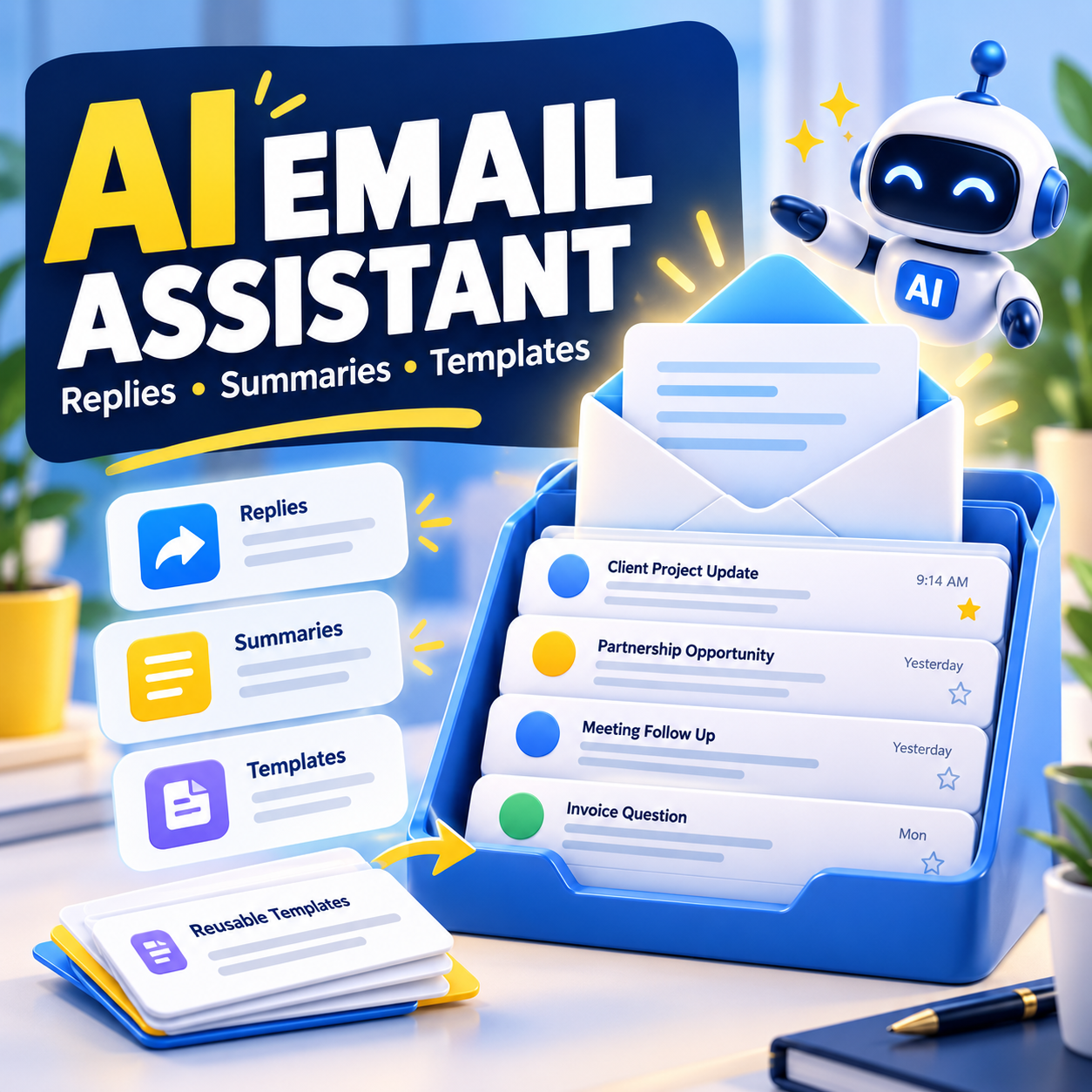

Spend less time on email
I set up AI tools and templates so your inbox is faster to handle, while you stay in control.
What is included
- Reply and summary prompts tuned to your tone
- Template library for common emails
- Gmail or Outlook add-on setup
- Rules for labels and priorities
- Short guide
How it works
Share examples of your emails with private details removed. I build the prompts and set up your tools.
Frequently asked questions
Does the AI send emails by itself?
No. It drafts and you approve every email before sending.
Is my email data safe?
I use reputable tools and explain their data settings. Avoid sharing sensitive content with any AI tool.
Are there tool fees?
Some add-ons have monthly fees paid by you.
Which providers?
Gmail and Outlook.